Switching Construction Software Without the Migration Tax
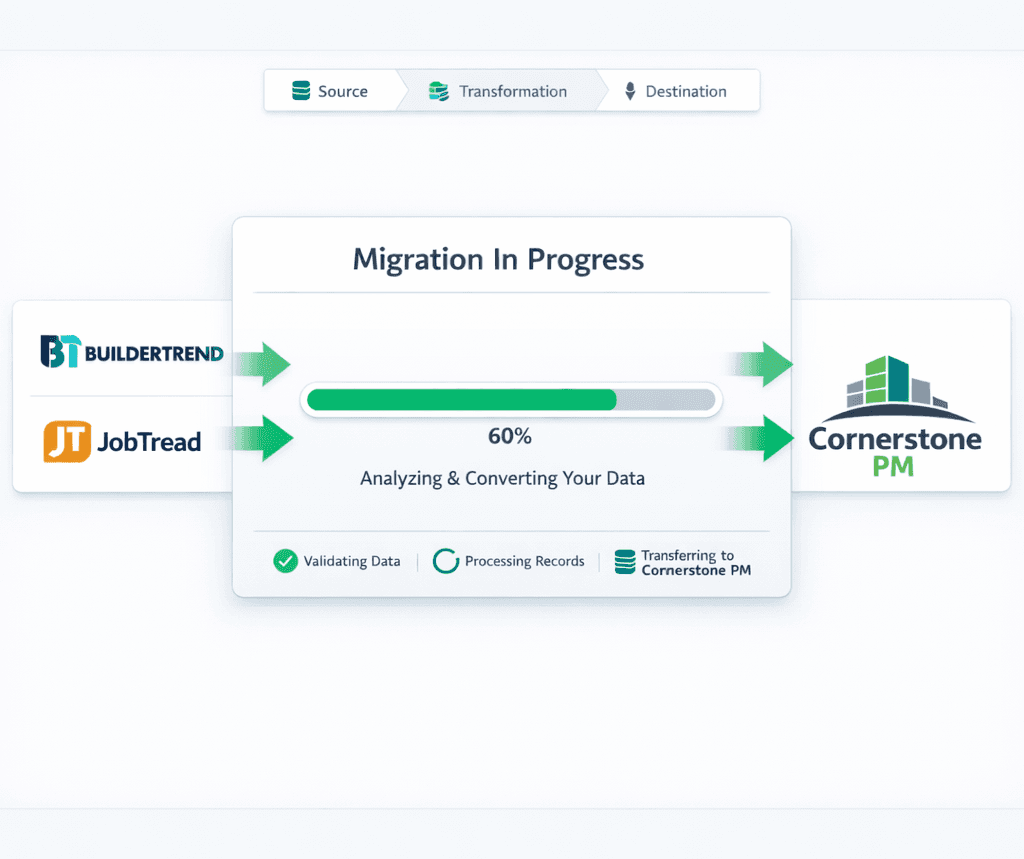
Migration is the #1 reason builders stay on software they hate. Cornerstone PM's AI migration wizard imports your contacts, vendors, and project history from Buildertrend, JobTread, CoConstruct, or any CSV for roughly $0.01 — and the whole process takes under ten minutes.
The construction software market relies on switching costs. Platforms charge white-glove migration fees, lock data in proprietary formats, and make export deliberately painful — not because migration is hard, but because friction keeps paying customers from leaving. Cornerstone PM was built on the opposite premise. Read more about the full platform on the home builder project management software overview page — this post covers the migration story specifically.
Why is migration the biggest hidden switching cost in construction software?
When a builder evaluates new software, they compare feature lists and monthly pricing. What rarely shows up in the comparison spreadsheet is the migration cost: the time to export, the consultant to map fields, the weeks of parallel-running two systems, and the risk that historical data arrives garbled or incomplete.
For a typical 50-home/year builder running Buildertrend, that can mean:
That calculus keeps builders locked in. Not because the new platform is inferior — but because the cost and risk of the move looks larger than the pain of staying. Construction software vendors know this and exploit it.
How Cornerstone PM's AI migration wizard works
The migration wizard uses AI to do the part that's traditionally manual: reading your export file, recognizing column semantics, and mapping your data to Cornerstone PM's fields. For the four most common source platforms — Buildertrend, JobTread, CoConstruct, and Procore — the wizard already knows the export format and pre-populates the field mapping before you see the screen.
For any other platform, upload a CSV or Excel file and the AI reads your headers and data patterns, builds a mapping, and flags low-confidence matches for manual review. This eliminates the consultant. The AI does the column-mapping work in seconds; you spend five minutes reviewing it.
Export from your old platform
Buildertrend, JobTread, CoConstruct, Procore, or any CSV/Excel. Most exports live under Settings → Export.
Open the Migration Wizard
Settings → Data Migration in Cornerstone PM. Select your source platform from the dropdown.
AI auto-maps your columns
Upload your file. The AI reads headers and data patterns, pre-maps fields, and flags low-confidence matches for your review.
Preview, confirm, done
Run a dry-run to verify record counts, then click Import Now. Background processing completes in under 60 seconds.
The actual import runs in the background. For a typical builder dataset — 500 contacts, 200 project records, 80 vendor records, notes history — the background job completes in under 60 seconds. You receive a summary: records created, records skipped (duplicates detected by the AI), and any errors that need attention.
What data migrates — and what needs a quick setup afterward
The migration wizard handles the portable, structured data: contacts (buyers, prospects, vendors), project and community records, notes and activity history, vendor information, and custom fields where your export includes the data.
Production-builder-specific structures — floorplan configurations, design center option classes, Designer Package assignments, per-scope vendor pricing — are your intellectual property and live in a format specific to each platform. Those aren't typically exportable in a form that maps to another platform's data model. Setting them up in Cornerstone PM is a one-time configuration task, not a migration: you define your floorplans and options once, and they price and replicate across every home of that plan automatically.
The purchasing workflow is worth reviewing before you start — Cornerstone PM's vendor and scope structure is different from Buildertrend's job-level model, and a brief orientation saves time during setup.
The $0.01 migration: why it costs almost nothing
The cost of Cornerstone PM's AI migration is the AI API inference cost: roughly $0.01 per import run. That's the cost of the AI reading your CSV file and building a column mapping. There is no professional services fee, no white-glove migration package, no consulting engagement, and no minimum spend.
The migration cost gap matters most for builders looking at enterprise platforms. NEWSTAR and BuildPro typically require implementation budgets of $25,000 to $100,000+ before your first user logs in — most of that is migration and configuration consulting. Cornerstone PM has no implementation fee and no migration fee. The total cost to switch is your time to review the AI's column mapping.
Your data is always yours: backup and export
The same logic that makes migration in cheap also governs the exit door. Settings → Backups (Admin only) gives you a full database export in CSV or JSON at any time. Nightly auto-backups run for 7 days; manual backups are on-demand. The export is complete — not a summary, not a subset of records.
Full database export — CSV or JSON
Every record, every field, every note. Not a summary report — the actual data, in two formats that any developer or migration tool can read.
Nightly auto-backups, 7-day retention
Backups run automatically every night. You have seven days of recovery points at all times, no configuration required.
Manual backups on demand
Export any time, as many times as you want. There is no export fee, no support ticket, no waiting period.
“Your data is always yours” is a phrase that should be table stakes in software — but it isn't. Platforms that make exit painful can do so because builders accepted that migration and data portability are hard. They're not. The difficulty is manufactured, and it's manufactured in the vendor's interest.
What to export, what to verify, and what to skip
If you're planning a migration to Cornerstone PM from Buildertrend or JobTread, here's a practical checklist of what to export and what to verify post-import:
Design option selections and custom schedules are worth rebuilding from scratch in Cornerstone PM because the data model is meaningfully different — a one-time investment that gives you production-builder abstractions (floorplan-level options, plan repeats, Designer Package auto-locking, cascade scheduling) that don't exist in Buildertrend or JobTread. The CRM and vendor data is the part that's painful to recreate manually; the wizard handles that automatically.
Migration is not the end of the story
Switching software because migration is easy isn't a good enough reason on its own. The better question is what you get after the migration is done.
Cornerstone PM is built specifically for production home builders — the segment that Buildertrend, JobTread, and CoConstruct were not designed for. The platform includes a full production design center with 64 curated Designer Packages, per-floorplan options reused across plan repeats, AI-powered material takeoff that extracts 130+ scopes from a floor plan PDF in under 60 seconds, and Foreman AI — a construction agent with 396+ skills, per-user memory, and a company-wide knowledge base that gets smarter over time.
The migration wizard removes the lock-in friction. What you find on the other side is a platform designed for the way production builders actually work — not adapted from a custom-builder tool or a generic project management product.
Ready to switch — without the migration tax?
Cornerstone PM imports your Buildertrend, JobTread, CoConstruct, or CSV data for about a penny. No consultant, no fee, no hostage-taking. Your data is yours going in and going out.
Request Early Access