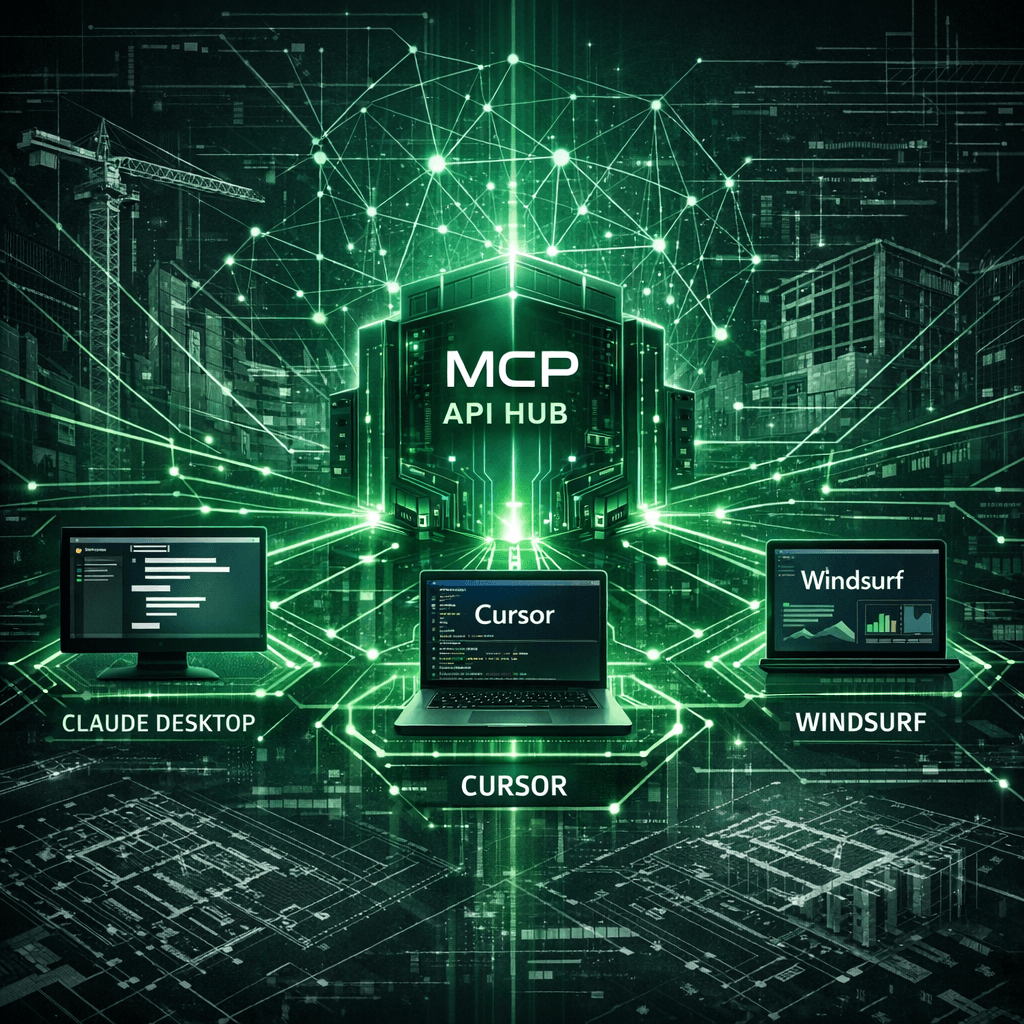
MCP Server for Construction Software: Connect Claude, Cursor, and Windsurf to Your Builder Data
Cornerstone PM ships a built-in Model Context Protocol (MCP) server — a capability essentially no other construction platform has. Builders generate an API key in app settings, paste a ready-made config block into Claude Desktop, Cursor, or Windsurf, and those tools immediately connect to all 396+ Foreman skills over a secure JSON-RPC endpoint.
If you're already using AI tools in your workflow, Foreman AI is already the most capable construction-specific AI agent on the market. The MCP server is what makes Foreman's skills available to the AI tools you're already using outside Cornerstone PM — without writing a single line of integration code.
What is MCP and why does it matter for home builders?
Model Context Protocol is an open standard developed by Anthropic that lets AI clients securely call actions inside connected applications. Think of it as a universal translation layer: your AI assistant says “I need to look up vendor pricing for framing on the Magnolia plan” and MCP routes that request to exactly the right Foreman skill, executes it against your real construction data, and returns the result — all within the conversation.
For home builders, the practical upshot is this: you can ask Claude Desktop a question about your budget, get a real answer from live data, and have Claude draft a vendor email with those numbers — without leaving Claude, without copy-pasting, and without re-explaining your company structure every session.
Most construction software has no AI integration at all. Cornerstone PM's MCP server is a first-class platform feature built on the same architectural foundation as the 238 API operations and BYOA system.
Which AI tools connect via MCP?
The Cornerstone PM app settings page generates a ready-to-paste JSON config block for each of the three major MCP clients. Pick your tool, copy the block, paste it in, authenticate with your cst_-prefixed API key, and restart.
Claude Desktop
Anthropic
Chat with your construction data
Ask Claude questions about your floorplans, options, and vendor bids. Claude calls Foreman skills directly — no copy-paste needed.
Cursor
Cursor IDE
Code against live builder data
Build integrations and automations in Cursor with Foreman's skills as first-class functions your AI pair programmer can call.
Windsurf
Codeium
Agent-native development
Windsurf's agentic workflows connect directly to Cornerstone PM — letting multi-step AI flows drive real construction actions.
How setup works: under two minutes
Navigate to Settings → MCPin your Cornerstone PM account. Generate an API key — you'll receive a cst_-prefixed Bearer token. The page displays a separate ready-to-paste config block for Claude Desktop, Cursor, and Windsurf.
Copy the config block for your tool of choice. Paste it into that tool's MCP settings (Claude Desktop: Settings → Integrations → Model Context Protocol; Cursor and Windsurf have equivalent panels). Restart the tool. Foreman's full skill catalog appears as a named tool set — your AI assistant can now call any of the 396+ skills on your live construction data.
// Example: Claude Desktop MCP config (from Cornerstone PM Settings → MCP)
{
  "mcpServers": {
    "cornerstone-pm": {
      "url": "https://app.cornerstonepm.ai/api/mcp",
      "transport": "http",
      "headers": {
        "Authorization": "Bearer cst_your_key_here"
      }
    }
  }
}
Role-based tool filtering: share keys safely
Not every key should unlock every tool. Cornerstone PM's MCP server uses a denylist model tied to the role of the API key owner. Generate an Admin key and your Claude Desktop session gets everything. Generate a Vendor key for a subcontractor and they get a safely limited toolset — bid submission, document access, and nothing more.
The denylist advantage: new skills ship automatically
Most permissioned systems use an allowlist: every new capability is off by default until someone explicitly grants access. Cornerstone PM uses a denylist: every new capability is on by default unless it's explicitly blocked.
In practice, this means every new Foreman skill we ship — and we ship them continuously — appears in your MCP server the moment it deploys. Your Claude Desktop session picks up the new tool on next use. No config change, no re-authentication, no waiting for an admin to grant the new permission.
This is the same architectural philosophy behind BYOA (Bring Your Own Agent): ship a Foreman skill, and it's instantly callable by every connected agent. The skill catalog is the API surface. The denylist model is what makes that compound automatically.
What makes Cornerstone PM's MCP server different
All 396+ Foreman skills, instantly
Every Foreman skill is exposed as a callable JSON-RPC function. Your connected AI tool can take material takeoffs, update vendor pricing, generate listing sheets, and run budget reports — without leaving its interface.
Denylist model — new skills ship automatically
Every new Foreman skill we ship is live in your MCP server the moment it deploys — zero config changes on your end. Compare to platforms that require allowlist approval for every new capability.
Role-scoped cst_ tokens
API keys are role-bound. An Owner key unlocks everything. A Vendor key is safely restricted to bid and document access. Share keys without worrying about surface area exposure.
No other construction platform has this
Most construction software has no AI integration at all. Cornerstone PM ships MCP as a first-class feature — the same architectural investment that powers BYOA and the REST API.
MCP vs. REST API vs. BYOA: which path is right for you?
Cornerstone PM ships three ways to connect external systems to your construction data, and they complement each other:
- MCP server — The no-code on-ramp. Point Claude Desktop, Cursor, or Windsurf at your data and use natural language. No development required. Best for builders who want to leverage existing AI tools without writing integrations.
- REST API + BYOA — The full-control path. 238 total API operations give developers programmatic access to build custom integrations, automations, and bring their own AI agents. Best for technical teams building production workflows.
- Foreman AI in-app— The zero-setup path. Already available inside Cornerstone PM, Foreman's 396+ skills are accessible in a purpose-built construction AI interface with per-user memory and company-wide context. No API key required.
All three run on the same Foreman skill catalog. The difference is how you reach it: from within the app, via the REST API, or through your external AI tool via MCP.
What can a connected AI actually do?
Once Claude Desktop (or Cursor, or Windsurf) has an active MCP connection to Cornerstone PM, a builder running Pro+ can do things like:
- Ask Claude to pull the latest bid comparison for the Magnolia plan framing scope and draft a vendor award email — all in one message.
- Ask Cursor to write a custom report that queries floorplan square footage data and outputs a formatted budget summary — calling live Foreman skills as functions in the code it generates.
- Ask Windsurf to run a multi-step agentic workflow that checks open purchase orders, identifies overruns, and formats an alert for the superintendent — without leaving the IDE.
This is the “AI-agent-first” design principle made concrete. Cornerstone PM doesn't just run AI inside its own UI — it exposes that AI capability to every agent and tool in your ecosystem.
Available on Pro+
The MCP server is available on the Pro+ plan ($599/month), alongside the REST API and BYOA. It's part of the same tier designed for builders who want to build on top of Cornerstone PM — connecting external AI tools, custom automations, and third-party agents to their construction data.
If you're already on Pro+ and want to try MCP today, navigate to Settings → MCPin your Cornerstone PM account. If you're evaluating whether Pro+ is the right tier, the full Foreman AI overview covers what's included across all plans.
Connect your AI tools to your builder data
Cornerstone PM Pro+ includes the MCP server, REST API, and BYOA — the full agent-ready stack for production home builders. Request early access to see it live.
Request Early Access