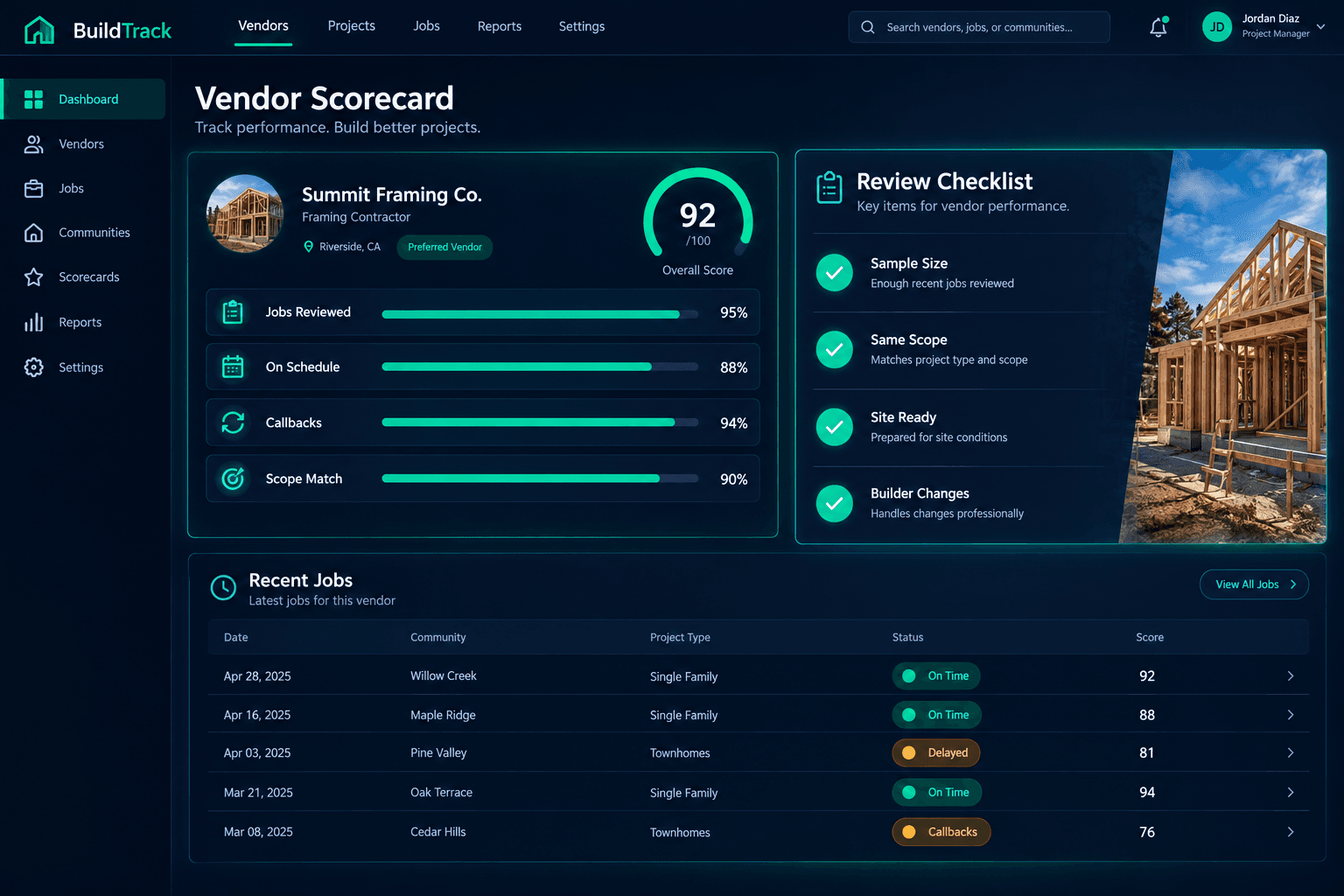
One Job Is Not a Track Record: Put Vendor Scorecards in Context
Before you act on a vendor scorecard, count how many comparable jobs sit behind it and check what shaped each one. One rough job is not a pattern, and a thin sample should prompt a closer look, not an automatic change in your purchasing assignments.
A scorecard is a useful summary, and it is easy to treat it as a verdict. A framing crew with one late job and one clean job can look very different from a crew with forty jobs, even if the surface numbers resemble each other. The summary does not tell you why a job went the way it did.
This is a manual review you run yourself. It does not assume the scorecard performs sample-size analysis or assigns blame, and it does not describe a scoring formula. Foreman can produce vendor scorecards from your app data; the judgment about what they mean stays with your team.
What should you check before acting on a scorecard?
Work through five questions. Each is quick, and any one of them can change how much weight a result deserves.
What the review covers
Number of jobs
How many relevant jobs sit behind the scorecard
Comparable scope
Similar trade scope, plans, and communities
Site readiness
Whether the home was ready when the vendor arrived
Builder-caused changes
Revisions or late decisions that came from your team
Field context
What the superintendent and purchasing lead saw
How many jobs support the result?
Write down the number of jobs behind the scorecard and how many of them match the work you are about to assign. Three jobs in one community tell you less than a dozen across several. If the number is small, treat the scorecard as a prompt to gather more context rather than a conclusion.
Are the jobs comparable?
A vendor who handled a simple plan on a flat lot and a complex plan on a sloped lot has been measured against two different tasks. Compare scope, plan type, and community before putting jobs side by side. The same trade can look different when the work is not the same work.
Was the home ready, and did your team change things?
Late results are not always the vendor's doing. A crew that arrives before the prior trade finishes, or waits on a missing material, will show a delay it did not cause. Likewise, a revised plan, a late selection, or a rescheduled start can come from your side. Mark those jobs so they are weighed with that context, not simply counted against the vendor.
A scorecard is context, not an automatic removal rule
This checklist is a human review. It does not claim that the scorecard separates your changes from the vendor's performance, and it does not recommend dropping a vendor automatically. Use it to decide whether to keep going, gather more jobs, or invite more bids.
Who should you ask in the field?
Ask the superintendent who ran each job and the purchasing lead who awarded it. A two-minute conversation often explains a result that no summary can. Write down what you hear next to the scorecard so the reasoning survives a change of staff.
What should you do once the review is done?
Choose one of three paths: keep the assignment, gather more jobs before deciding, or invite additional bids. In Cornerstone, vendor bids and community awards sit inside the purchasing workflow, so inviting another bid does not mean replacing anyone. The community bid awards guide explains how awards work beyond lowest price, and the Foreman reporting overview covers how scorecards are produced. You can also ask Foreman to generate one from your data.
Work through the six steps in order, record your reasoning, and name one person who owns the decision. A short written note makes the next vendor conversation much easier.
Put vendor results in context.
Keep bids, awards, and vendor history together. Start with the purchasing workflow behind your vendor decisions.
Request Early Access