The 11-Month Warranty Walk Doesn't Have to Start From a Blank Legal Pad
Recording the 11-month warranty walk the same way you record any other punch list walkthrough turns a homeowner's spoken list of concerns directly into tracked, vendor-assigned tasks on the home's existing punch list — no legal pad, no re-typing, no items lost between the truck and the office.
Almost every builder runs the warranty walk the same way: someone from customer care shows up around month eleven, walks the house with the homeowner, and writes down whatever gets pointed out. A loose cabinet hinge. A caulk line that pulled away from the tub. A door that sticks in humid weather. By any measure it's a simple task. What happens to that list afterward is where it falls apart.
Where do warranty items actually get lost?
Not at the walk itself — homeowners are generally clear about what bothers them. The loss happens in the handoff between the visit and the system of record:
The legal pad
Customer care writes down what the homeowner points out room by room. The pad goes back to the truck. Half the items never make it into a system anyone else can see.
The memory gap
By the time someone sits down to type the list into an email, an hour or a day has passed. Items get paraphrased, downgraded in severity, or dropped entirely.
The vendor scramble
Once the list exists, someone still has to figure out which vendor owns the grout repair versus the trim touch-up versus the garage door adjustment, then email each one separately.
No proof of what was said
If a homeowner later disputes what was or wasn't covered, there's no recording of the actual walk — just secondhand notes.
None of these failure points are about customer care not caring. They're about a workflow that requires a manual re-entry step between the moment an item is identified and the moment a vendor actually finds out about it. Every re-entry step is a chance for an item to get dropped, softened, or delayed.
How does recording the walk change the outcome?
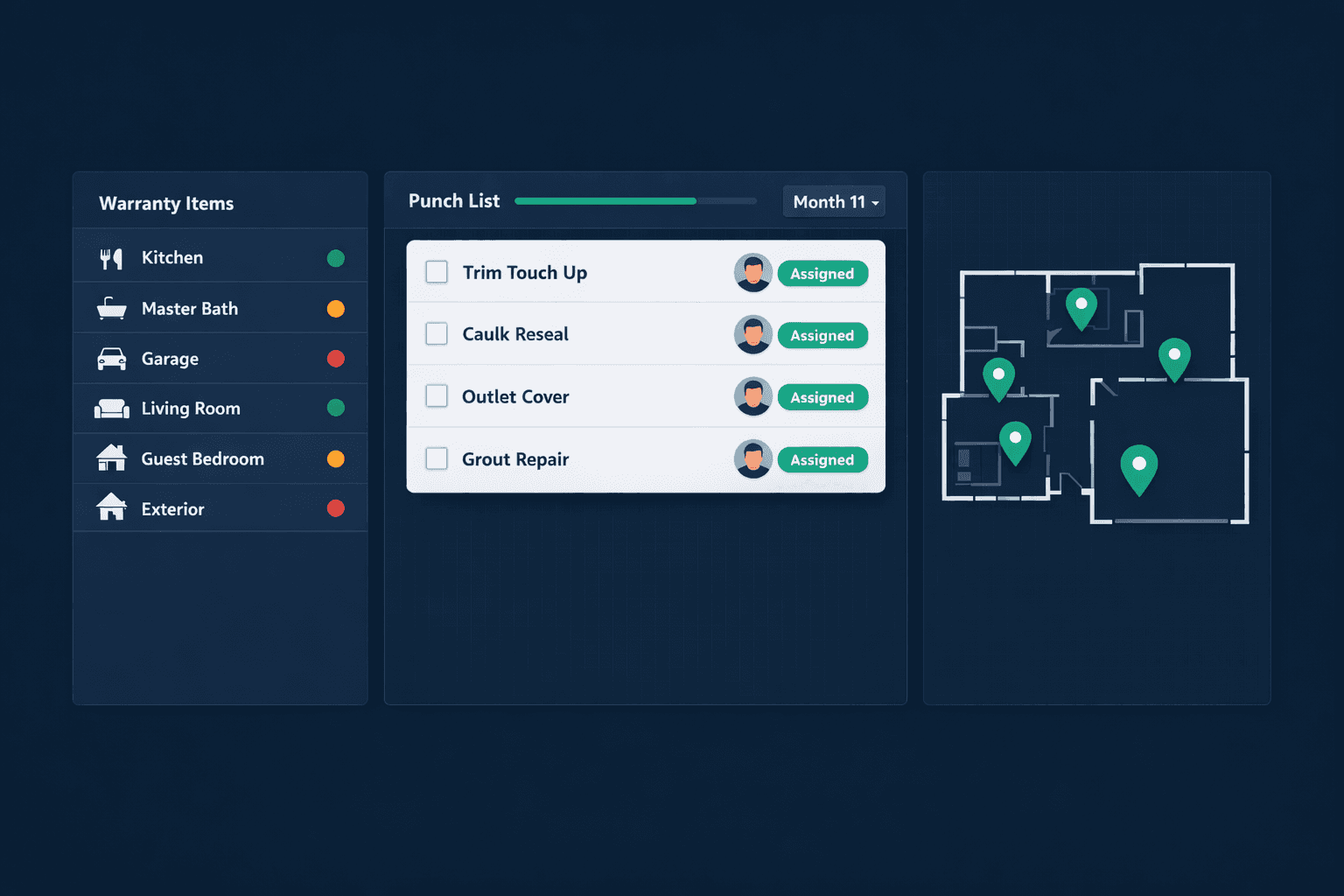
The mechanics are no different from a final walk or a pre-drywall walk. Customer care opens the home in Cornerstone PM, taps record, and walks the rooms talking through what the homeowner points out — "replace this cabinet hinge, reseal the caulk around the tub, the office door needs planing." Punchlist AI ingests the footage and audio, identifies each issue, infers severity, pins the room, and links it to the trade that owns the fix. There's no intermediate list — the walk itself is the data entry.
Because Punchlist AI supports multi-walkthrough comparison, the warranty walk doesn't start a new list from zero. It adds to the same punch list already tied to that home from the pre-drywall, final, and vendor closeout walks — so customer care can see the home's full history in one place instead of hunting through separate spreadsheets from separate stages of the build.
What happens after the walk ends
Every item lands on the home's punch list
With a room, a trade, a severity tag, and — if the item was caught on camera — a thumbnail as evidence of what was flagged.
Vendors get one grouped email, not several
Every warranty item for the same vendor — say, three separate trim callouts — arrives as one message with a clean checklist, instead of three separate pings the vendor might triage out of order.
Does a recorded walk hold up if a homeowner disputes coverage?
It doesn't replace a builder's warranty terms, but it does remove the ambiguity of secondhand notes. Instead of "the homeowner said the cabinet hinge was loose, according to what customer care wrote down afterward," there's a recorded walkthrough of the actual visit, timestamped, with the item already tagged to a room and a trade at the moment it was raised — and a resolved status with a photo once the vendor closes it out.
What if the warranty visit is handled by a third-party inspector?
Some builders bring in an outside inspector for the warranty visit rather than sending customer care. Punchlist AI handles that path too — upload the inspector's PDF report instead of recording video, and the AI reads every finding line by line, pulls the inspector's own embedded photos out of the report, and attaches them to the matching punch item. Either path, video or PDF, ends at the same place: a tagged, vendor-assigned item on the home's existing punch list.
The warranty walk is the last structured touchpoint most builders have with a homeowner before the relationship shifts from "under construction" to "living in it." Whether that visit ends in a clean, tracked handoff to vendors or a legal pad that someone has to decipher later shouldn't depend on how busy customer care happens to be that week.
Stop re-typing what the homeowner already told you.
Punchlist AI turns every pre-drywall, final, vendor closeout, and warranty walk into a tracked, vendor-assigned punch list on the home's existing record — built into Cornerstone PM.
Request Early Access