What Is a Production Home Builder? The Five Workflows That Set Them Apart
A production home builder sells homes from a fixed catalog of floorplans and builds the same designs repeatedly across one or more communities. Purpose-built home builder software for this model is organized around that repetition — because the moment you stop re-estimating every home from scratch, every workflow changes.
The distinction matters most when choosing software. A custom builder designs each home for a specific buyer and operates much like a general contractor: one job, one estimate, one sequence. A production builder does the opposite — the Hawthorne plan sells 40 times, the same framing scope goes out to bid once, and the schedule template applies to every start. Tools built for the custom model quietly fail production builders on the workflows that drive most of their efficiency.
How does a production builder differ from a custom builder?
The clearest way to see the difference is to watch what happens after a contract is signed. A custom builder opens a new estimate, prices the job from scratch, builds a schedule around the client's specific requirements, and manages the whole thing as a unique project.
A production builder does none of that. The contract is signed on a plan that already exists, already has a scope of work, already has vendor pricing, and already has a schedule template. The new home gets the template applied, the design center opens for buyer selections, and purchasing starts from accepted vendor bids — not a new round of quoting.
That is the production model in one sentence: sell a plan, not a project.
The five workflows that define production home building
Production building is not just a volume story. It is a set of workflows that look nothing like custom construction — and software has to be built around each one.
Plan Repeats
The same Hawthorne plan sells 40 times across three communities. Takeoff, scope items, and design options are defined once at the plan level and reused on every home — no re-estimating each start.
Community Management
Different vendors, different lot configurations, and different upgrade pricing per community. The same floorplan can cost more to build in one community than another, and the software has to model that honestly.
Buyer-Facing Design Center
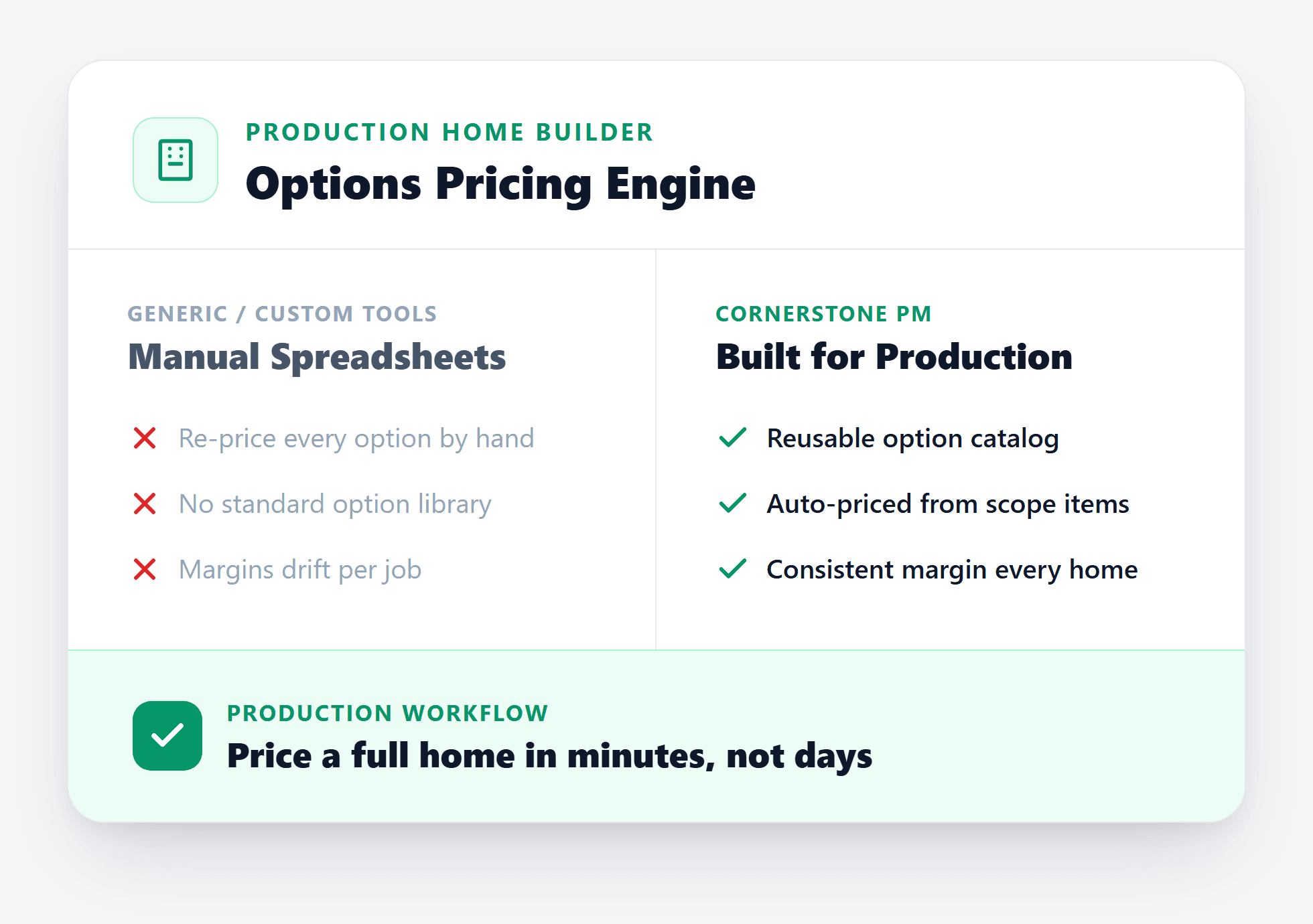
Buyers choose from pre-priced options — flooring, countertops, cabinets, structural upgrades — without the builder repricing each selection by hand. Spec levels define what is included; anything above is a paid upgrade.
Vendor Bidding and Community Awards
Vendors bid on scopes once, and wins are awarded per community. One framing contractor might win Community A; a different one wins Community B. Accepted pricing locks and flows into every downstream budget line.
Template-Driven Scheduling
Because production builders repeat the same sequence on every home, schedules come from a template. Apply it to a new start and a full critical path exists on day one — with cascade scheduling pushing downstream trades when one slips.
Why does this matter for software?
Each of those five workflows is a place where generic software forces a workaround. A floorplan is not a project in ClickUp. A design center option is not a spreadsheet row. Community-based vendor pricing cannot be modeled with a single global cost per scope. And a cascade schedule that adjusts automatically when framing slips is not a Gantt chart someone drags by hand.
The gaps show up as compounding manual work: re-keying estimates, maintaining separate pricing spreadsheets by community, rebuilding schedules from scratch on every start, and tracking buyer selections outside the purchasing system so nobody knows what a change order actually costs until the invoice arrives.
The right platform treats plan repeats as the organizing principle — not an edge case — and connects purchasing, scheduling, and the design center into a single system where a buyer selection rolls up to a scope, a scope rolls up to a vendor bid, and a completed task generates a purchase order without anyone opening the purchasing screen.
How does production building scale?
The production model starts paying off early — as few as five to ten homes per year — and scales without proportional overhead because each plan repeat does not require starting from zero. A builder adding a second community does not hire a second estimator; they send bid requests to vendors in that community, award pricing there, and apply the same schedule template to every new start.
AI takeoff accelerates that further. Instead of measuring a new elevation or structural option by hand each time a plan is revised, Blueprint AI reads the updated plan set and extracts the changed scopes. Quantities tied to square footage — framing, paint, cleaning, slab — adjust automatically across every configuration that references them.
The result is a builder who can add communities and floorplans without adding proportional administrative load, which is why the production model has always been the most scalable way to build residential homes at volume.
What does purpose-built production software look like?
The clearest test is whether the software has a real concept of a floorplan — not a project tagged "Hawthorne," but an object that carries structural options, design options priced by spec level, auto-quantity scope items linked to square footage, and vendor bids awarded per community. If the data model does not have that, every production workflow becomes a workaround.
Beyond the data model, purpose-built production software connects the full cycle: takeoff from the plan set, vendor bidding with scope-filtered templates, community-level award and lock, a buyer-facing design center where selections flow into the budget, template-driven scheduling with cascade updates, and one-way accounting sync that posts approved POs and bills to QuickBooks with community, lot, and cost-code detail on every transaction.
That is the production home builder platform — and it looks nothing like a generic project management tool with a construction skin on it.
Built for production home builders
Cornerstone PM is designed around plan repeats, community-based vendor pricing, and a buyer-facing design center — not retrofitted from a generic PM tool.
Get early access