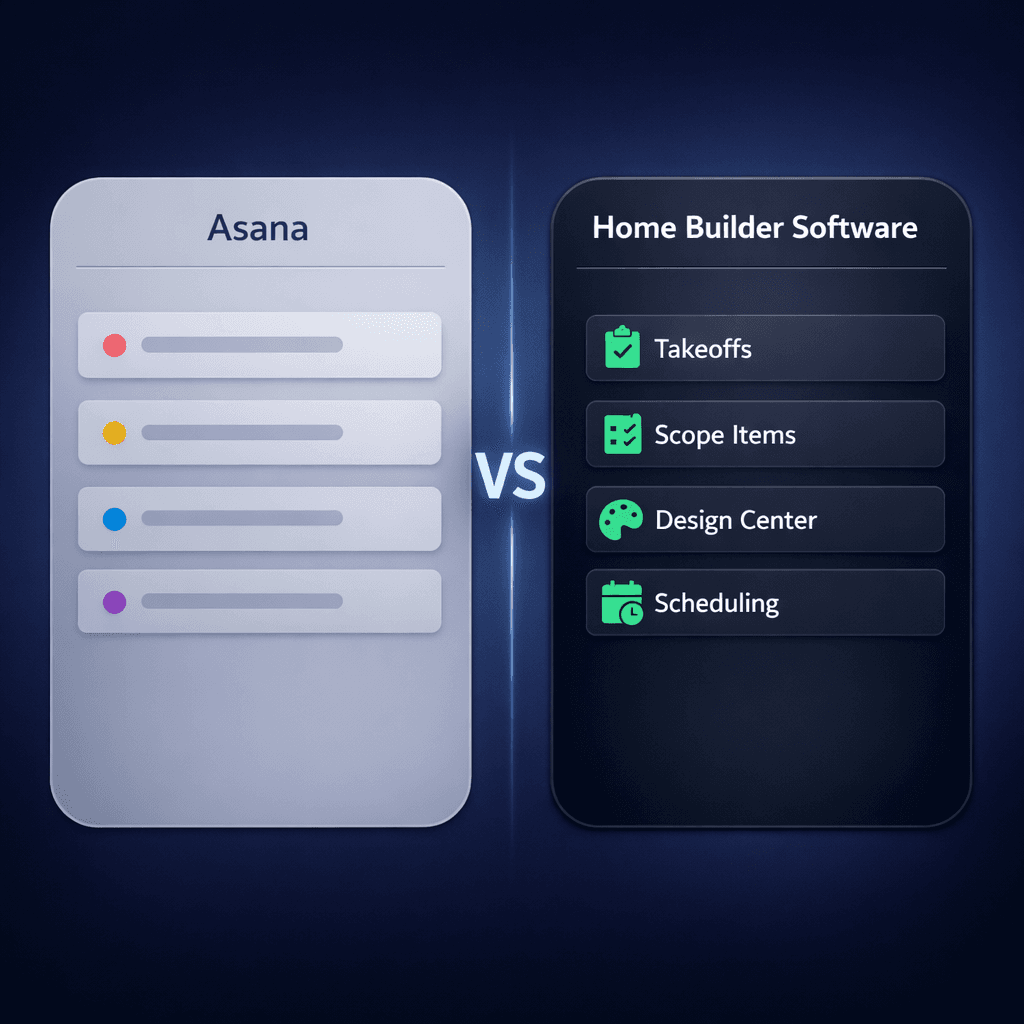
Asana for Construction? Why Home Builders Need Purpose-Built Software
Asana is not construction software. It is a work-management tool that is excellent at tracking tasks, timelines, and team workloads — but it has no concept of a takeoff, a scope item, a vendor bid, or a design center. For production home builders, using Asana for the build means bolting spreadsheets onto a task board and slowly losing the single source of truth you were trying to create.
If you landed here from a “construction project management software” search and Asana showed up in the results, start with the category overview at home builder project management software to understand what purpose-built means for your workflow. The rest of this post shows exactly where Asana breaks for residential builders — and what a platform built specifically for production home building looks like instead.
Why do builders try Asana in the first place?
The appeal is straightforward. Asana is polished, well-documented, and familiar to anyone who has managed projects in a marketing, tech, or agency context. It has a free tier, a mobile app, and a reputation as one of the best generic PM tools available. If your team already knows it, using it for construction feels like the path of least resistance.
The problem surfaces six to twelve months in. You have 20 homes under construction across two communities. Your estimator is maintaining a separate Excel workbook because Asana doesn't hold pricing data in a structured way. Your design coordinator is emailing selections PDFs back and forth because there's no buyer portal. Your purchasing manager has a second spreadsheet for vendor bids. You're paying for Asana and maintaining four spreadsheets, which is exactly the problem you bought software to solve.
This pattern is consistent enough that it's worth understanding structurally. The issue isn't that Asana is bad software — it's that construction isn't generic project management. A home build involves workflows that require domain-specific data models that Asana simply wasn't designed to handle.
The 6 gaps that generic task tools can't close
Gap 1: No floorplan or plan-repeat model
Every house is a blank project. Building the same Magnolia floorplan for the 40th time means starting from scratch — no plan-level options, no automatic pricing reuse.
Gap 2: No options or upgrade pricing engine
Structural options, upgrade packages, and allowances live in a spreadsheet outside Asana. When trade rates change, someone has to manually track down every home that used that rate.
Gap 3: No buyer-facing design center
Flooring, countertop, and cabinet selections happen over email, PDF, or in person — then get re-entered somewhere else. There's no portal, no completion status, and no automatic feed to purchasing.
Gap 4: No vendor bid templates or scope items
Sending scope to 10 subs means 10 custom emails. Comparing bids means building a comparison spreadsheet by hand. Asana has no concept of a scope item or a bid template.
Gap 5: No community or lot hierarchy
You can't assign a vendor to Willow Creek community without also assigning them to Maple Ridge. Community-level logic requires external spreadsheets or manual filtering.
Gap 6: No construction-aware AI
Asana's AI assistant can summarize a task or draft a comment. It cannot analyze a vendor bid, generate a purchase order from a takeoff, or tell you which of your communities is unprofitable.
Gap 1 in depth: why plan repeats break Asana
Production home building runs on plan repeats. The Magnolia floorplan sells 60 times this year across three communities. The structural options — finished basement, bonus room, three-car garage — are priced at the plan level and reused for every home of that plan in every community. Standard and upgrade finishes are priced at the option level and held constant unless a community variance applies.
Asana has no plan-level abstraction. Each house is a project. Every Magnolia you sell is a manual copy of a template, with options re-entered (or not) depending on who creates the project that day. When your framing labor rate goes from $4.25 to $4.75 per sqft, you find out which homes used the old rate at contract review — not at estimate time.
Cornerstone PM™ prices options at the floorplan level with auto-quantity scope items that link directly to sqft measurements. Change the frame labor rate once and every Magnolia, every structural option, every community updates simultaneously. That's not a feature gap — it's a data model difference.
Gap 3 in depth: the design center problem
Every production builder needs a buyer-facing selection process. Buyers choose flooring, countertops, cabinets, and structural upgrades. Those choices drive purchasing, vendor orders, and contract pricing. In Asana, this process lives entirely outside the tool: a shared Google Sheet, a PDF checklist with handwritten notes, or an in-person showroom appointment where someone writes down the choices and re-enters them later.
There is no selection portal, no completion status, no automatic propagation from selection to purchase order. The margin leak is real: when selections are manually re-entered, they get missed, mispriced, or entered after the PO has already gone out.
Cornerstone PM™'s design center gives buyers a portal where they select from curated categories. 64 Designer Packages auto-lock category choices when a package is picked — the buyer selects “Modern Farmhouse” and every flooring, countertop, and cabinet choice in that category locks to the coordinated package. Design-center exclusion groups let a buyer select Tile and mark the entire flooring category complete without being asked about Carpet, LVP, and Hardwood separately. Completed selections flow directly into purchasing with no re-entry required.
Gap 6 in depth: what construction AI actually means
Asana has an AI assistant. It can summarize project status, draft task descriptions, and suggest due dates. That is genuinely useful for managing a marketing team or a software sprint. It is not useful for a home builder because it has no domain knowledge — it knows what a task is, not what a scope item, a vendor bid, or a structural option is.
Cornerstone PM™ ships five purpose-built AI agents on Pro+:
- Foreman AI — 396+ construction skills covering purchasing, scheduling, vendor management, budget analysis, and profitability reporting. Foreman reads and writes data — it takes real actions in the platform, not just answers questions. Two persistent memory layers (per-user and company-wide) mean Foreman knows your vendors, your preferred communication style, and your build patterns without you having to re-explain them every session.
- Blueprint AI — parses a floor plan PDF and extracts 130+ material scopes in under 60 seconds. See Blueprint AI →
- Bid Import AI — auto-maps vendor bid spreadsheets to your scope items, with cross-scope penalties so trades stay in their lane. No manual column matching.
- AI MLS Listing Generator — generates listing copy directly from your floorplan and options data.
- AI Support Agent — answers platform questions in context without leaving your workflow.
The AI in Asana knows what a project deadline is. Foreman AI knows what a purchase order, a vendor scope, a structural option, and a community-assigned price escalation are — because it was built on top of a platform that models those things natively. The difference is not version or capability — it's domain.
The automations Asana users actually want — and where they break
One reason builders land on Asana is its automation and integration layer: triggers, rules, Zapier, and native app connections. In a generic office context, these are powerful. For construction, they approximate workflows that a purpose-built platform handles natively.
Want to notify a sub when their phase is ready to start? In Asana, you build a rule that triggers on a field change and sends an email — which breaks when someone forgets to update the field. In Cornerstone PM™, that's a named webhook event with a typed payload, HMAC signature, delivery log, and auto-retry. You wire it once and it fires on the actual schedule event, not a manual status update.
Cornerstone PM™'s Pro+ plan ships:
- 37 named webhook events with typed payloads — home lifecycle, task/schedule, vendor notifications, sales pipeline, bid requests, and more
- 150+ REST API endpoints including 84 dedicated routes across 3 schema formats (Anthropic, OpenAI, OpenAPI 3.1)
- BYOA (Bring Your Own AI Agent) — every endpoint maps to a Foreman skill; ship a new Foreman skill and your BYOA agent gets it automatically
- A built-in MCP server so Claude Desktop, Cursor, and Windsurf can connect directly to your construction data without custom integration code
The Zapier zap you would build on top of Asana for vendor notifications is approximating a named webhook event that Cornerstone PM™ ships as a first-class platform feature with a documented payload schema.
TCO: what Asana actually costs a 50-home builder
Asana's Starter plan runs about $10–$13 per seat per month. For a 10-person team, that's roughly $1,200–$1,500 per year in platform fees — cheap relative to the build volume. The real cost is hidden:
| Cost item | Asana | Cornerstone PM™ |
|---|---|---|
| Monthly platform fee (10-seat team) | $100–$150 | $199–$599 |
| Parallel spreadsheets maintained | 3–6 live sheets | 0 |
| Hours/week re-entering selections data | 3–5 hrs | ~0 |
| Pricing errors per 50 homes (estimated) | 3–8 errors | Near 0 |
| AI material takeoff | ||
| Buyer-facing design center | ||
| Construction-domain AI (396+ skills) | ||
| Vendor bid portal (no login required) |
On a 50-home/year build schedule at an average of $400k per home, a single out-of-date pricing error on one structural option costs more than a year of Cornerstone PM™ Pro+. The math on purpose-built software changes fast once you account for what generic tools force you to do manually.
What builders who switch from Asana say
The consistent theme from builders who move to purpose-built software is not the feature list — it's the spreadsheets. Every builder who has tried to make Asana or a similar generic PM tool work for construction ends up with the same supplemental stack: an estimating spreadsheet, a selections tracker, a vendor bid comparison sheet, and a job cost rollup. The platform becomes the task board and everything important lives outside it.
When those spreadsheets move into Cornerstone PM™, two things happen immediately: data stops getting lost between handoffs, and estimating errors caused by stale spreadsheet versions stop showing up at contract review.
What to keep Asana for (honest framing)
Asana is a strong tool. If your team uses it for marketing campaigns, HR onboarding, or non-build administration, there's no reason to rip it out. The recommendation is not “stop using Asana.” The recommendation is: don't use it for the build.
The build — takeoffs, scope items, options pricing, vendor bids, design selections, purchase orders, schedule, community management — needs a platform that understands those workflows natively. Cornerstone PM™ was built for exactly that use case.
For a full comparison of how purpose-built platforms stack up on the criteria that matter for production builders — including AI capabilities, design center depth, and API/BYOA access — see the home builder project management software guide. For the same segment-mismatch analysis applied to ClickUp and monday.com, see ClickUp and monday.com for Home Builders: Where Generic PM Tools Break.
Your build deserves software that speaks construction.
Cornerstone PM™ was built from the ground up for production home builders — floorplans, design center, auto-quantity scope items, 64 Designer Packages, and Foreman AI with 396+ construction skills. No spreadsheets required.
Request Early Access →