Own Your Data: CSV/JSON Export and Nightly Backups in Construction Software
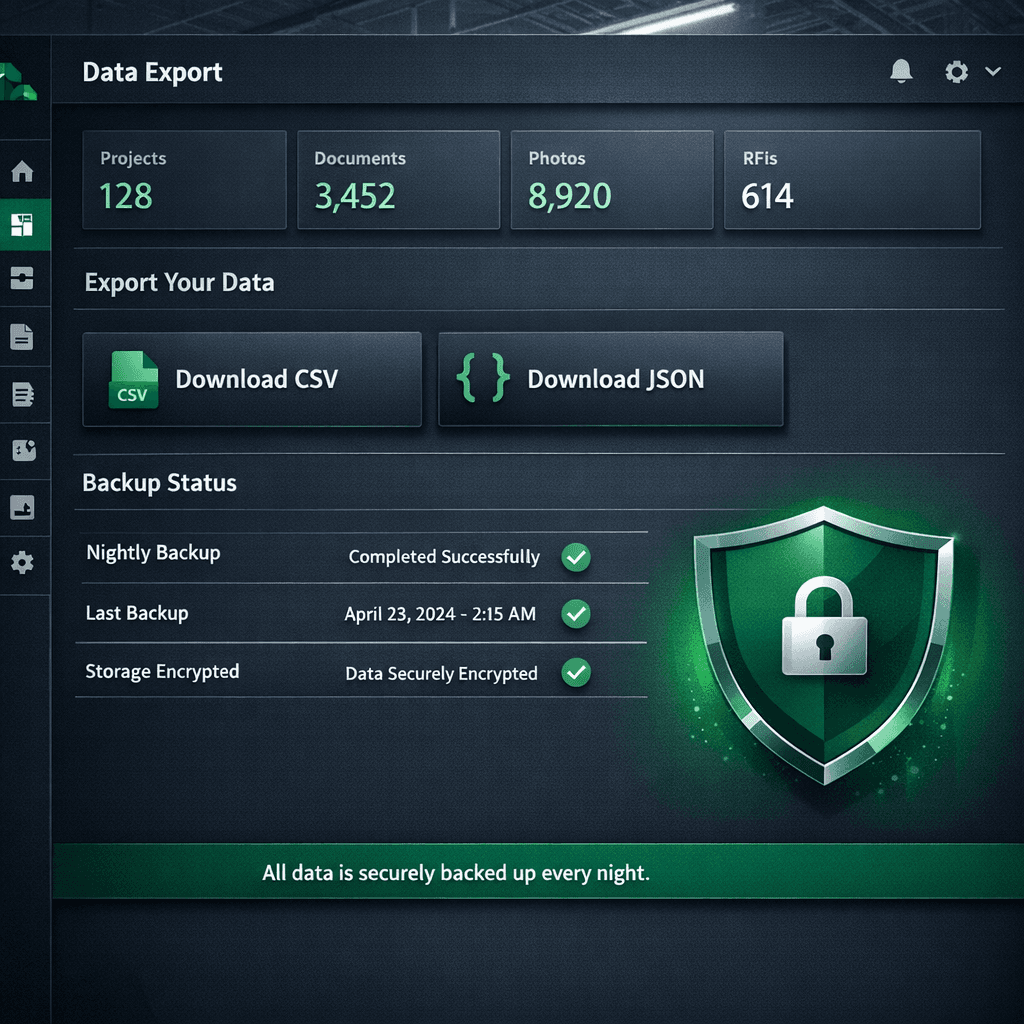
Your construction data — contacts, vendors, project history, option configurations — belongs to you. Cornerstone PM gives every Admin a one-click full database export in CSV or JSON, plus nightly auto-backups retained for 7 days and on-demand manual backups. No export fee, no support ticket, no waiting period.
Data portability is the quietest question in any software evaluation, and it's often the most important one: can you actually leave if you need to? Most construction software platforms answer that question with friction by design. The full home builder project management software landscape has a data portability problem — and it's not accidental. Cornerstone PM was built on the opposite principle: your data is yours, always, and getting it out should be as easy as getting it in.
Why does construction software hold your data hostage?
The word “hostage” sounds harsh, but it describes the dynamic accurately. When switching costs are high, renewal rates stay high — even for customers who are dissatisfied. Data lock-in is the highest-leverage switching cost a software company can manufacture, because the alternative to staying isn't just “try a new platform,” it's “try a new platform and somehow recreate five years of vendor pricing, project history, and buyer records.”
The tactics vary, but the goal is the same: make your data technically accessible but practically hard to use anywhere else.
Gated CSV access
Some platforms require a support ticket or a paid plan tier to access CSV exports. Others technically offer export but bury it in a workflow that only a support rep can complete. The technical capability exists; the access is controlled.
Proprietary export formats
Exporting in a platform-specific format that requires paid conversion tooling to use elsewhere is another form of manufactured friction. Your data is technically 'available' but practically unusable without the vendor's help.
Export delays and queues
Platforms that process export requests over 24–72 hours are not experiencing technical constraints — they're creating a cooling-off period. A builder who has to wait three days for their data has three days to reconsider leaving.
No backup infrastructure
Platforms with no self-serve backup make disaster recovery a support interaction. When something goes wrong — and in software, things go wrong — your recovery timeline is a ticket queue, not a restore button.
How does Cornerstone PM handle data export and backup?
Settings → Backups (Admin only). That's the whole path. From there, any Admin can:
- Download a full database export in CSV or JSON — one click, no waiting, no fee
- Trigger a manual backup on demand before any major data operation (import, bulk update, pricing change)
- Access nightly auto-backups retained on a 7-day rolling window for disaster recovery
The export includes everything: contacts and buyers, leads and prospects, vendor and trade records, project and community data, notes and activity history, custom fields, and system configuration. In JSON format, production-builder-specific structures including option configurations are included — you own the intellectual property you built in the platform.
Data portability: Cornerstone PM vs. typical construction software
Data portability as disaster recovery — not just anti-lock-in
The export and backup system solves two separate problems that builders often conflate until they need them:
Anti-lock-in: The ability to leave cleanly at any time means the vendor relationship is honest. You stay because the platform delivers value, not because leaving is too painful. This is the same philosophy behind the AI CRM migration wizard — easy to come in, easy to get out, no hostage-taking.
Disaster recovery: Nightly backups with a 7-day rolling window mean that if something goes wrong — an accidental bulk delete, a corrupted import, an infrastructure failure — your restore point is at most 24 hours old. On-demand manual backups let you snapshot before any operation that carries risk: a large vendor pricing update, a full option re-import, a team member experiment gone sideways.
Most small and mid-size builders don't have a dedicated IT team managing database backups. A built-in, automatic backup system that requires zero configuration is not a luxury feature — it's risk management that should come standard.
What “your data is always yours” actually means in practice
Let's be concrete. You're a 75-home/year production builder. You've been on Cornerstone PM for two years. Your vendor pricing database has 400+ line items across 18 trade categories. Your design center has 64 Designer Packages across 7 categories, configured for three active communities.
If you decide tomorrow that you want to leave — for any reason — you go to Settings → Backups, click Download, choose JSON, and within seconds you have a complete snapshot of every record in your account. No email to support. No waiting for an export queue to process. No fee charged. Your vendor pricing, your community data, your buyer history: in a structured format you can read, migrate, archive, or hand to a developer.
That's what data ownership means in practice. Not a legal statement in a terms of service — an actual button in the actual interface, available to every Admin, every day.
How data portability fits the Cornerstone PM philosophy
Cornerstone PM's approach to data export is the same approach it takes to migration and pricing: remove the friction that platforms use as leverage and compete on product quality instead.
The full production home builder platform — with a design center built around 64 curated Designer Packages, per-floorplan option pricing reused across plan repeats, Foreman AI with 396+ construction skills and per-user memory, and AI-powered Blueprint takeoff that extracts 130+ material scopes from a PDF in under 60 seconds — is the reason builders stay. Not locked-down data. Not switching costs. Not friction.
The export button is there because it should be there. And because the product is good enough that it doesn't need to hold your data to keep you around.
Construction software that competes on quality, not lock-in
Cornerstone PM gives every Admin one-click CSV/JSON exports, nightly backups, and the same no-friction philosophy on the way in — AI CRM migration for about a penny. Your data is always yours.
Request Early Access