The Hidden Cost of Switching Construction Software (and How to Kill It)
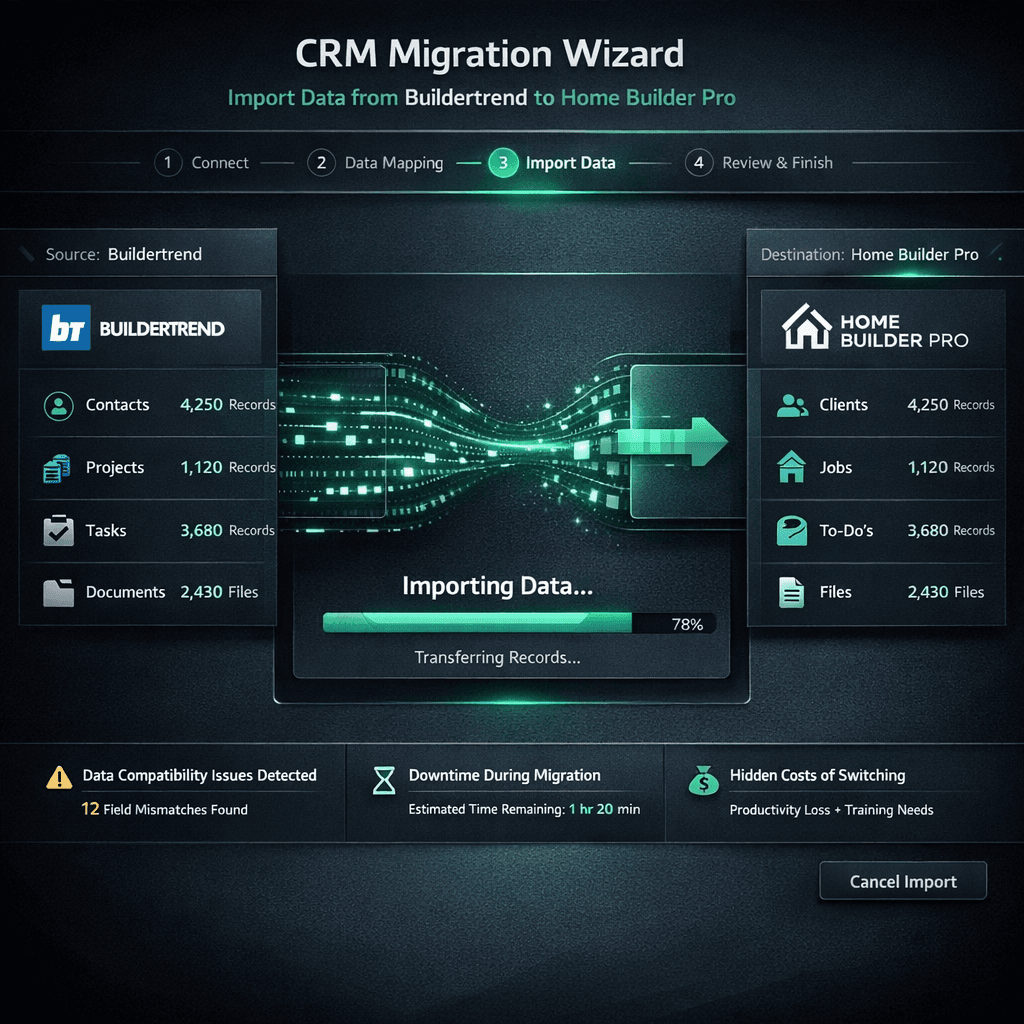
The real cost of switching construction software isn't the new subscription — it's the migration: weeks of parallel systems, a consultant to map your data, and the nagging fear that your history arrives broken. Cornerstone PM's AI migration wizard collapses that entire process into ten minutes and about a penny.
If you're evaluating construction software alternatives, you already know the product comparison is easy. Feature tables, pricing tiers, demo calls. What doesn't show up in the spreadsheet is the switching cost — the real friction that keeps builders paying for software they've outgrown. The full home builder project management software landscape is worth understanding, but this post is specifically about the switching cost — why it's high, why it's manufactured, and how Cornerstone PM eliminates it.
What are the actual hidden costs of switching construction software?
Walk through the real line items a 50-home/year builder faces when switching platforms:
The subscription delta between platforms — say, $200/month — looks manageable. But add 40 hours of internal staff time at $60/hour, a $4,000 migration consultant, and three weeks of reduced productivity during the transition, and a “simple” platform switch costs $10,000–$20,000 in absorbed costs before any explicit fee is paid.
That's the number that freezes the decision. Not the monthly price. The one-time switching cost is the lock-in.
Why migration friction is manufactured, not inevitable
Migration is technically straightforward. Contacts, project records, vendor data, notes — these are structured data that any competent developer can export as CSV and import into a new system. The difficulty is manufactured, and it's manufactured in the vendor's interest.
White-glove migration fees
Enterprise platforms like NEWSTAR and BuildPro bill $25k–$100k+ before your first user logs in — most of that is migration consulting. Custom-builder tools like Buildertrend and JobTread are cheaper but still charge for dedicated migration support.
Proprietary data formats
Keeping data in formats that other platforms can't read cleanly means exports require transformation work. The more complex the schema, the more transformation work — and the more transformation work, the more reason to charge you for it.
Artificially long timelines
A 3–12 month implementation isn't purely technical complexity — it's a contractual commitment window. The longer the onboarding, the longer you're paying before you see value, and the harder it is to reverse the decision.
No self-serve export path
Platforms that require a support ticket to download your own data are not protecting your data — they're controlling your access to it. GDPR and CCPA create legal obligations around data portability, but enforcement is slow and builders rarely pursue it.
The business logic is simple: a builder who is unhappy but can't afford to switch is still a paying customer. Every dollar of switching friction is a dollar of retained revenue. Platforms that have mastered this understand that making the exit painful is worth far more than making the product better.
How Cornerstone PM kills the migration tax
Cornerstone PM's AI migration wizard was built on the opposite premise: migration should be free, fast, and self-serve. For the four most common source platforms — Buildertrend, JobTread, CoConstruct, and Procore — the wizard already knows the export format and pre-populates the field mapping before you see the screen.
For any other platform, select “CSV / Excel” and the AI reads your headers and data patterns, builds the mapping, and flags low-confidence matches for your review. The manual review step typically takes under five minutes. Then: dry-run to verify record counts, confirm, done. Background import completes in under 60 seconds for a typical builder dataset.
The total AI inference cost is roughly $0.01. There is no consultant, no implementation fee, and no migration package. The full walkthrough lives in the CRM migration wizard deep-dive, including the step-by-step flow and what to verify after import.
What migrates — and what to set up fresh
The migration wizard handles the portable, structured data: contacts (buyers, prospects, vendors), project and community records, notes and activity history, vendor information, and custom fields where your export includes the data. This is the data that's painful to recreate manually and impossible to ask someone to re-enter.
Production-builder-specific structures — floorplan configurations, design center option classes, Designer Package assignments, per-scope vendor pricing — live in a data model that's unique to Cornerstone PM. Those don't migrate from Buildertrend or JobTread because those platforms don't have equivalent structures to export. Setting them up is a one-time configuration task, not a migration: you define your floorplans and options once, and they price and replicate automatically across every home of that plan in every community.
Your data is always yours — on the way in and on the way out
The same philosophy that makes switching into Cornerstone PM cheap also governs the exit. Settings → Backups (Admin only) delivers a full database export in CSV or JSON at any time. Nightly auto-backups run for 7 days; manual backups are on demand. No export fee, no support ticket, no waiting period.
“Your data is always yours” should be table stakes in SaaS. In construction software, it still isn't. The platforms that make data export painful are explicitly betting that you'll stay because leaving is expensive. Cornerstone PM removes that bet entirely.
After the migration: what production builders find on the other side
Removing the migration tax is only worth it if the destination is the right platform. Cornerstone PM was built specifically for production home builders — the segment that Buildertrend, JobTread, and CoConstruct were not designed for.
The full stack includes a production design center with 64 curated Designer Packages, per-floorplan options reused across every home of that plan in every community, AI-powered material takeoff that extracts 130+ scopes from a floor plan PDF in under 60 seconds, and Foreman AI — a construction agent with 396+ skills, per-user memory, and a company-wide knowledge base that gets smarter over time. The migration wizard removes the wall. What's behind it is a platform built for how production builders actually work.
Ready to switch — without the migration tax?
Cornerstone PM imports your contacts, vendors, and project history from Buildertrend, JobTread, CoConstruct, or any CSV for about a penny. No consultant, no fee, no hostage-taking.
Request Early Access